Prerequisites
Prerequisites
- An organization with Outposts enabled
- A v3 API token with the appropriate Outposts scopes:
account.outposts.write(“Outposts write”) for workers claiming/releasing sessions and orchestrators creating/deleting outposts (implies the read scope)account.outposts.read(“Outposts read”) for listing outposts and reading the session queue
- A machine (VM or container) with:
- The Devin CLI installed
- The machine dependencies
- Your repositories cloned, with configured remotes
- Access to the build tools, package registries, secrets, and internal services your sessions need
- Your Machine
- Docker
Sessions execute directly on the machine with your user’s permissions. We
recommend running the worker under a dedicated directory you’re comfortable
letting an agent work in freely — or better yet, on a machine reserved for
long-running agentic work, like a Mac Mini on your desk.
1
Install the Devin CLI
Download and install the Devin CLI:
2
Create an outpost
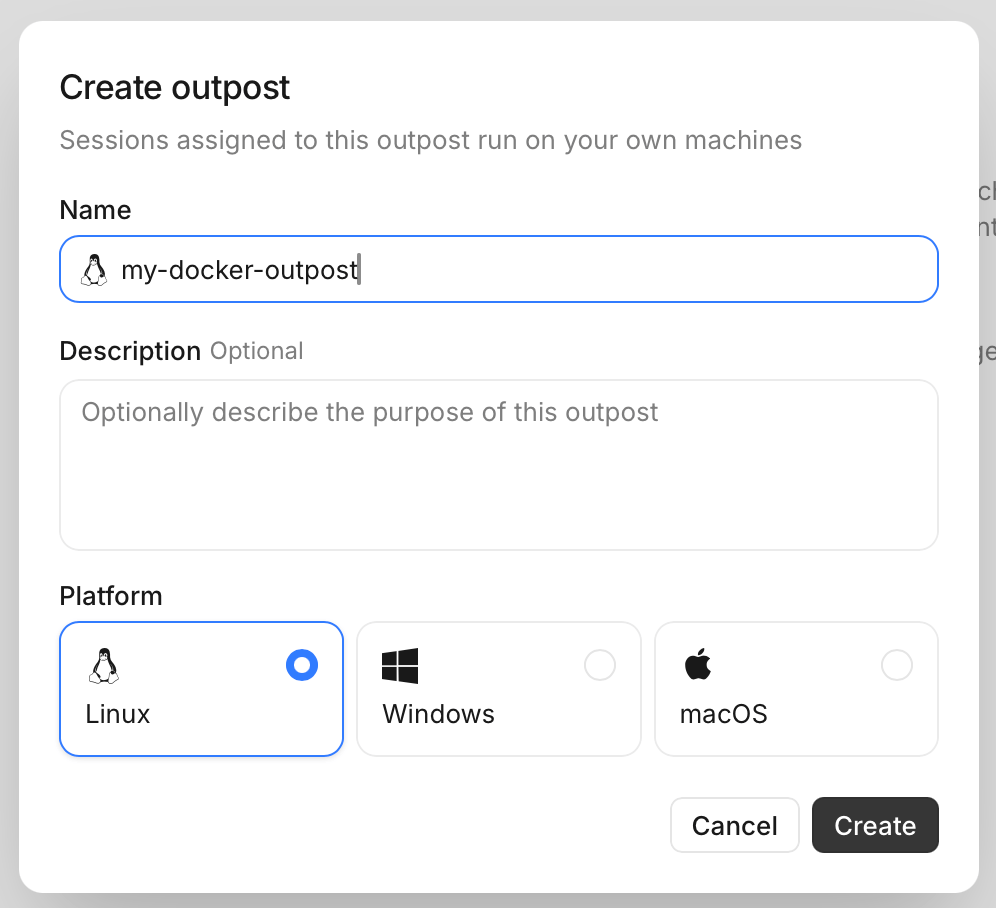
On Devin Cloud go to Settings → Environment → Outposts, and click on the “Create Outpost” button.Give your Outpost a name, and choose the type of machines it will serve (e.g. Linux, Windows, or Mac). Then, click on the “Create” button.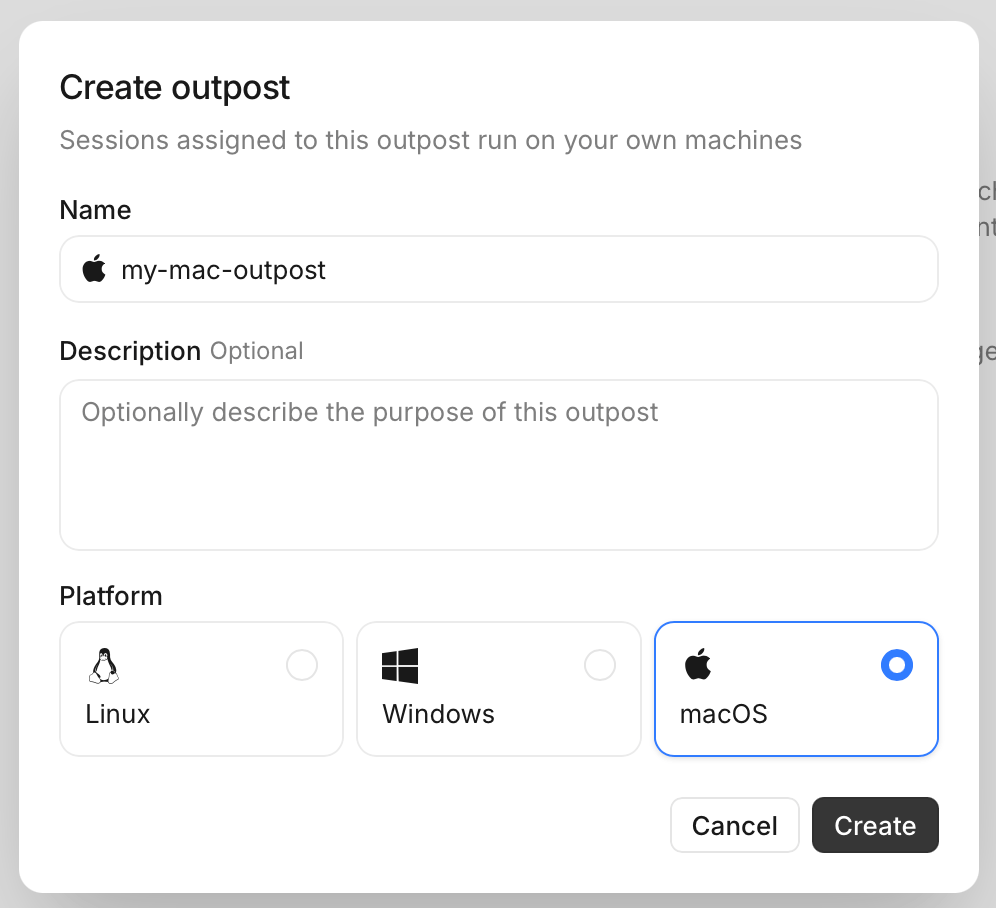
3
Run your Outpost worker
Navigate to a directory where you want your worker to run:Sessions get their repositories under a
repos subdirectory of that directory — a session working on your-org/app uses /path/to/worker/directory/repos/app. Clone repositories there ahead of time to skip the clone at session start; anything missing is cloned on demand.And run the devin worker start command with your Outpost’s name and token you copied earlier:4
Start a new Outpost session
On Devin Cloud, start a new session and configure it to run on your Outpost. Under “Configuration” → “Virtual environment”, you will see your new Outpost listed. Select it to run your session on it.Now you can ask Devin to start building on your machine! Try something simple likeAnd watch the script appear in your worker’s directory!
Next steps
Start the worker in a directory where your code lives and ask Devin to build on top of it. Sessions see the repositories checked out underrepos/ in the worker’s working directory. To serve more sessions concurrently, run the worker on more machines pointed at the same outpost: N workers serve N concurrent sessions, and the rest wait in the queue.Orchestration
Provision machines automatically as sessions queue, instead of keeping long-lived workers around.
Integrations
Run your outpost on the platform you already use — Namespace, Modal, E2B, and more.