

Start a call
Click the voice call button beside the message box on the home page in Agent mode or in an existing session, then allow microphone access. Any message you’ve typed is sent when you start the call.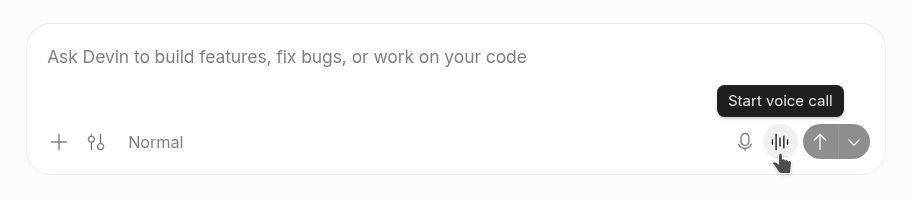
Hover over the waveform icon to see “Start voice call.”
During a call
- Mute microphone pauses your microphone. Click Unmute microphone to speak again.
- Hold Space to talk while muted when you’re not typing.
- Silence Devin turns off Devin’s audio without muting your microphone. Click Unsilence Devin to hear Devin again.
- End voice call hangs up.
Tips
- Don’t be afraid to interrupt Devin’s work, ask questions and clarify your thoughts as you have them.
- Feel free to interrupt Devin while it is talking.
- If you have preferences for how Devin should speak (e.g. speak faster or slower, communication style) just ask!