

I’m unable to connect my GitHub.com organization
If you’re unable to set up your integration or seeing “Configure” next to the organization you want to connect, you or one of your teammates has likely already connected your GitHub organization to another Devin account. You will need to disconnect the existing integration before you can connect to your Devin account.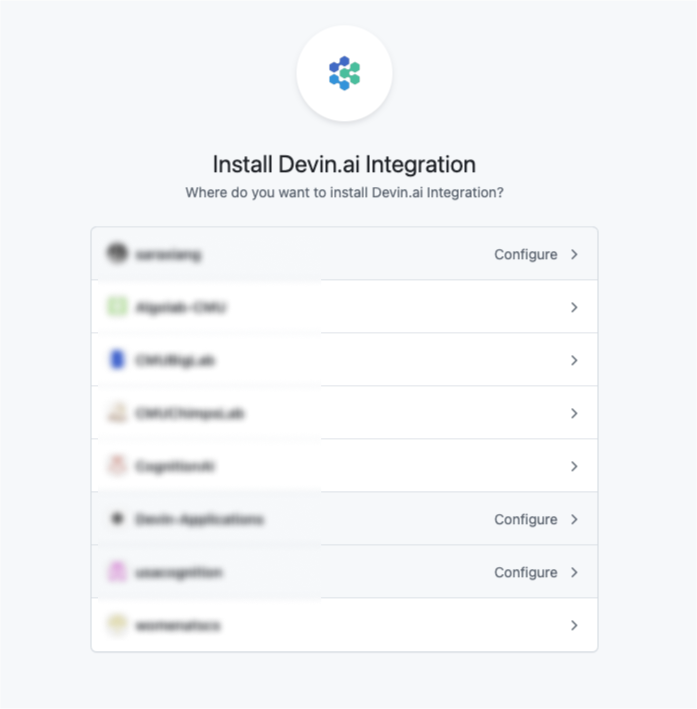
- Navigate to the Devin Enterprise or Organization with the active integration
- Navigate to the Connections page at https://app.devin.ai/settings/connections
- Select GitHub and click the connection to open its detail panel
- Click “Disconnect connection” under Danger zone
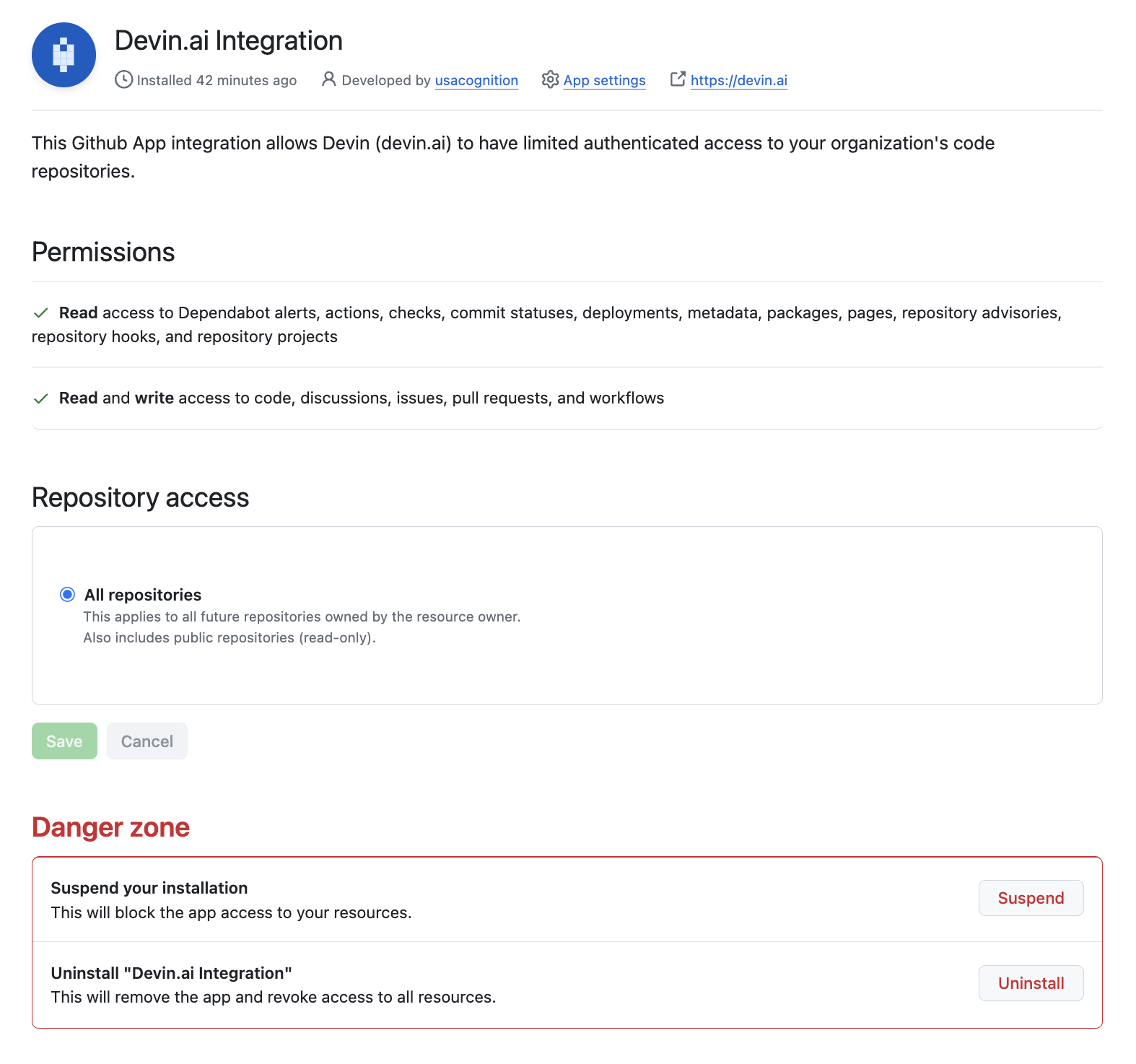
- Go to the GitHub Integration settings
- Navigate to Devin.ai Integration and click “Configure”
- Scroll to the “Danger zone” section to uninstall the integration
I’m unable to connect my Slack organization
If you’re seeing an “Unable to proceed with request” error, it means that you or one of your teammates has already connected your Slack organization to another Devin organization. You will need to disconnect the existing integration before you can connect your new organization.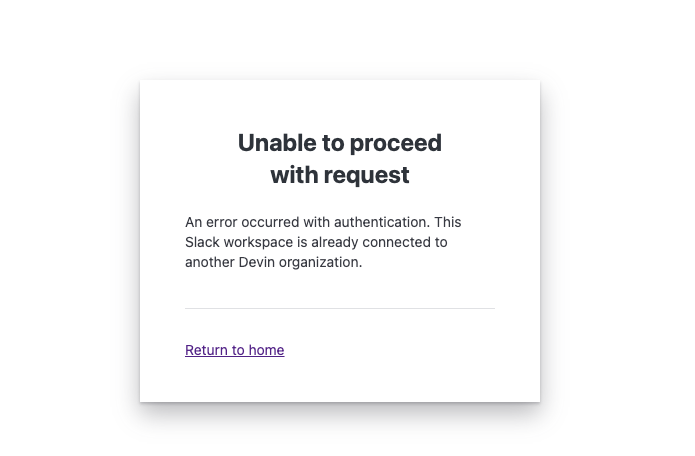
- Navigate to the Devin Enterprise or Organization with the active integration
- Navigate to the Connections page at https://app.devin.ai/settings/connections
- Select Slack
- Open the Manage menu on the connection and click “Disconnect”
IP Allowlisting
If you need to allowlist Devin’s services, please add the following IP addresses:- 100.20.50.251
- 44.238.19.62
- 52.10.84.81
- 52.183.72.253
- 20.172.46.235
- 52.159.232.99
- 4.204.199.103
- 140.232.64.0/26