

Tracking ACU consumption
Enterprise customers can track ACU consumption at both the Enterprise and Organization level:- Enterprise admins view Enterprise ACU consumption at Settings > Consumption in Enterprise Settings.
- Organization admins view Organization ACU consumption at Settings > Consumption Analytics within Organization Settings.
- Any user can see the ACU cost of a specific session from Session Insights.
Setting Organization ACU limits
Enterprise admins can set per-Organization ACU limits from Settings > Organizations in Enterprise Settings. Organization limits apply to cloud Devin sessions, Devin Review, Devin Desktop, Windsurf JetBrains, and Devin CLI usage billed to the organization. See Organization-level ACU limits for API examples and billing attribution. To open an organization’s settings, click its row in the table, or click the pencil icon (Update name and limits) at the end of the row.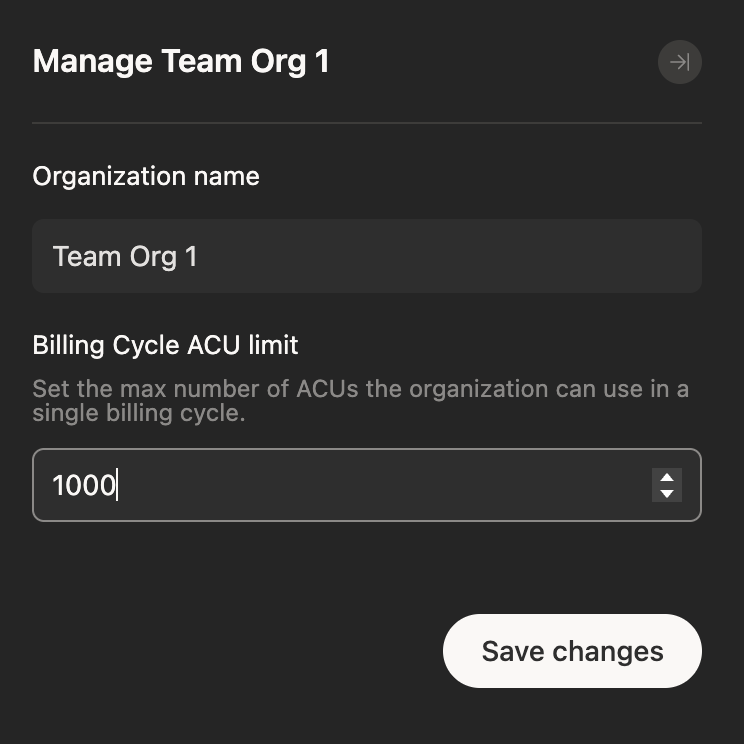
Set Organization ACU limits and/or rename the Organization
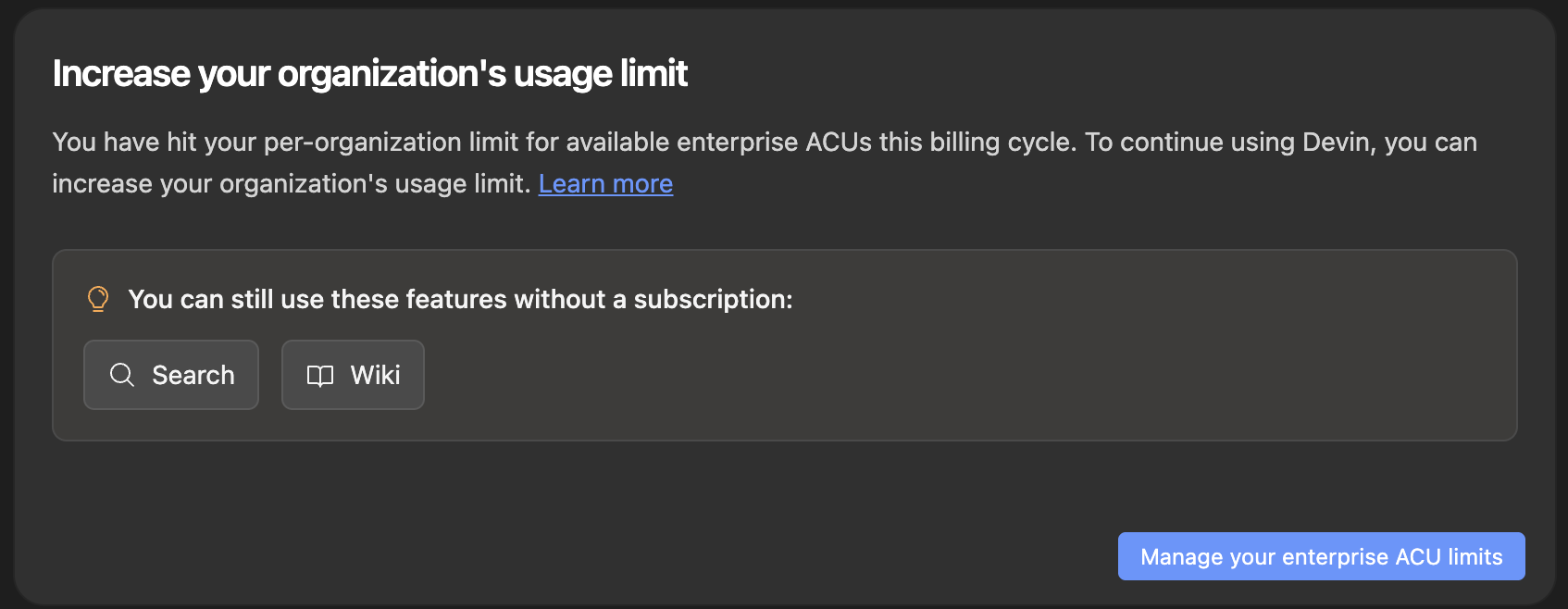
ACU limit reached warning message
Setting per-user ACU limits
Beyond per-Organization limits, Enterprise admins can cap each member’s monthly ACU consumption with usage tiers, IdP group mappings, and per-member overrides. See Usage policies.Frequently asked questions
When will I be billed?
When will I be billed?
Enterprise customers are billed for ACUs as stated in their order form.
What are Enterprise ACUs?
What are Enterprise ACUs?
Enterprise ACUs represent the work performed by Devin for customers on the Enterprise plan, which adheres more strictly to task planning and end-to-end testing. They are distinct from self-serve quota and on-demand credits, and are priced per the customer’s Enterprise order form.
How can I tell which Organization or user consumed the most ACUs?
How can I tell which Organization or user consumed the most ACUs?
Enterprise admins can break consumption down by Organization from the Consumption page in Enterprise Settings. Org admins can break it down by user from Consumption Analytics inside Organization Settings.