

Single Sign-On (SSO) is not available as a new Teams add-on. If your organization requires SSO, contact our sales team about Enterprise.
Setup
1
Choose a plan
Visit windsurf.com/pricing and select the
Teams or Enterprise tier.2
Select seat count
Enter the number of users you want to include in the subscription.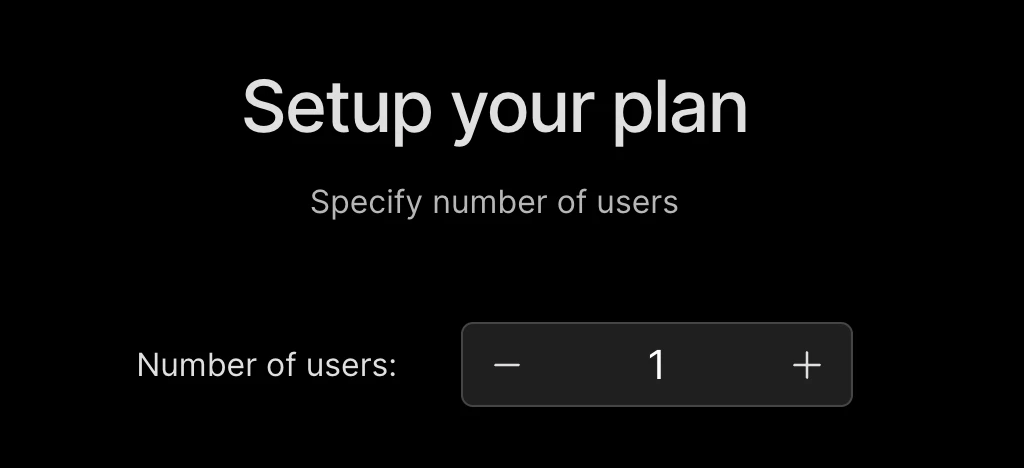
3
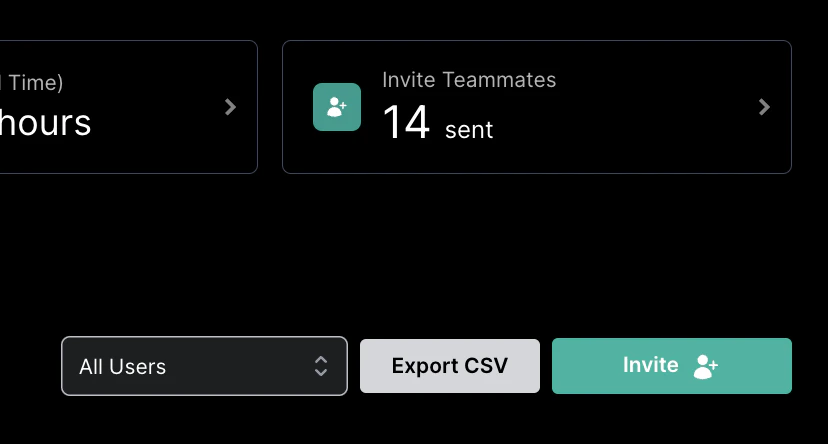
Manage and invite team members
Manage Team Members
Devin Desktop makes managing your team easy from one dashboard.
4
Configure team settings (optional)
Team Settings
Configurable settings for your team.
5
Set up Authentication (optional)
Authentication
Set up SSO, SCIM, Duo, or PingID for your Enterprise team.
Legacy Teams SSO: Existing Teams customers that already have the SSO add-on retain support. Team admins can manage their existing SSO configuration in Team Settings.
Manage Team
You must be a team admin to make changes to the team.
User Groups
This feature is only available in Enterprise plans and for legacy Teams customers with SSO enabled.
Existing Subscription
Already subscribed on Pro and want to upgrade? Head to your Plan Management, clickSwitch Plan, and select the appropriate Teams or Enterprise plan.