

Devin Desktop
-
Command Palette を開きます (
Ctrl/Cmd + Shift + Pを押すか、View > Command Palette に移動します) - 「Download Devin Logs」と入力し、「Download Devin Logs File」と表示されるオプションを選択します
- ログをエクスポートまたはコピーし、ファイルをチケットにアタッチします。
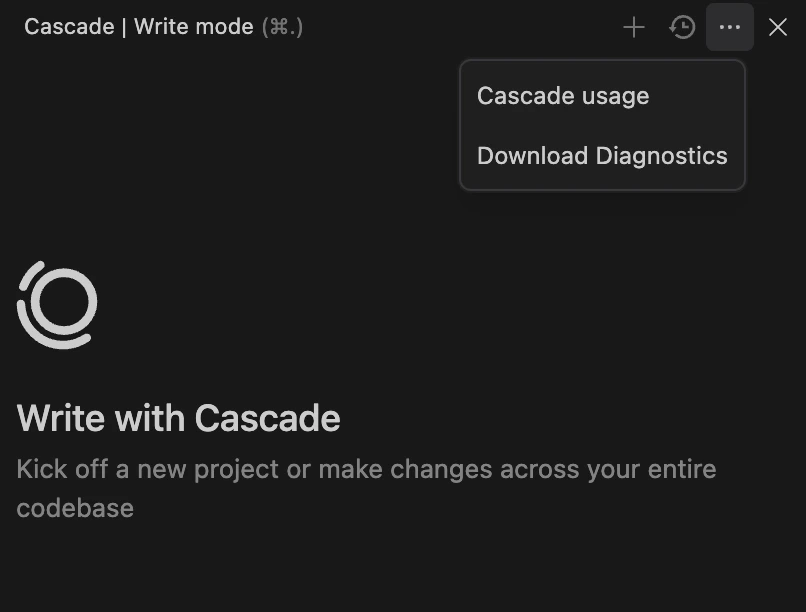
トラブルシューティングのために、Command Palette または Cascade パネルを使用して Devin Desktop Editor から診断ログをダウンロードする方法。
Ctrl/Cmd + Shift + P を押すか、View > Command Palette に移動します)