

Cmd+Shift+点击 以打开该代码符号的详细解释。
不同于只显示基本类型信息的传统悬停卡片,DeepWiki 提供的悬停解释会在你阅读代码时说明函数、变量和类的作用。
你可以点击 DeepWiki 面板右上角的 ⋮ 按钮,然后选择 Add to Cascade,将 DeepWiki 解释作为 @-mention 发送到 Cascade。
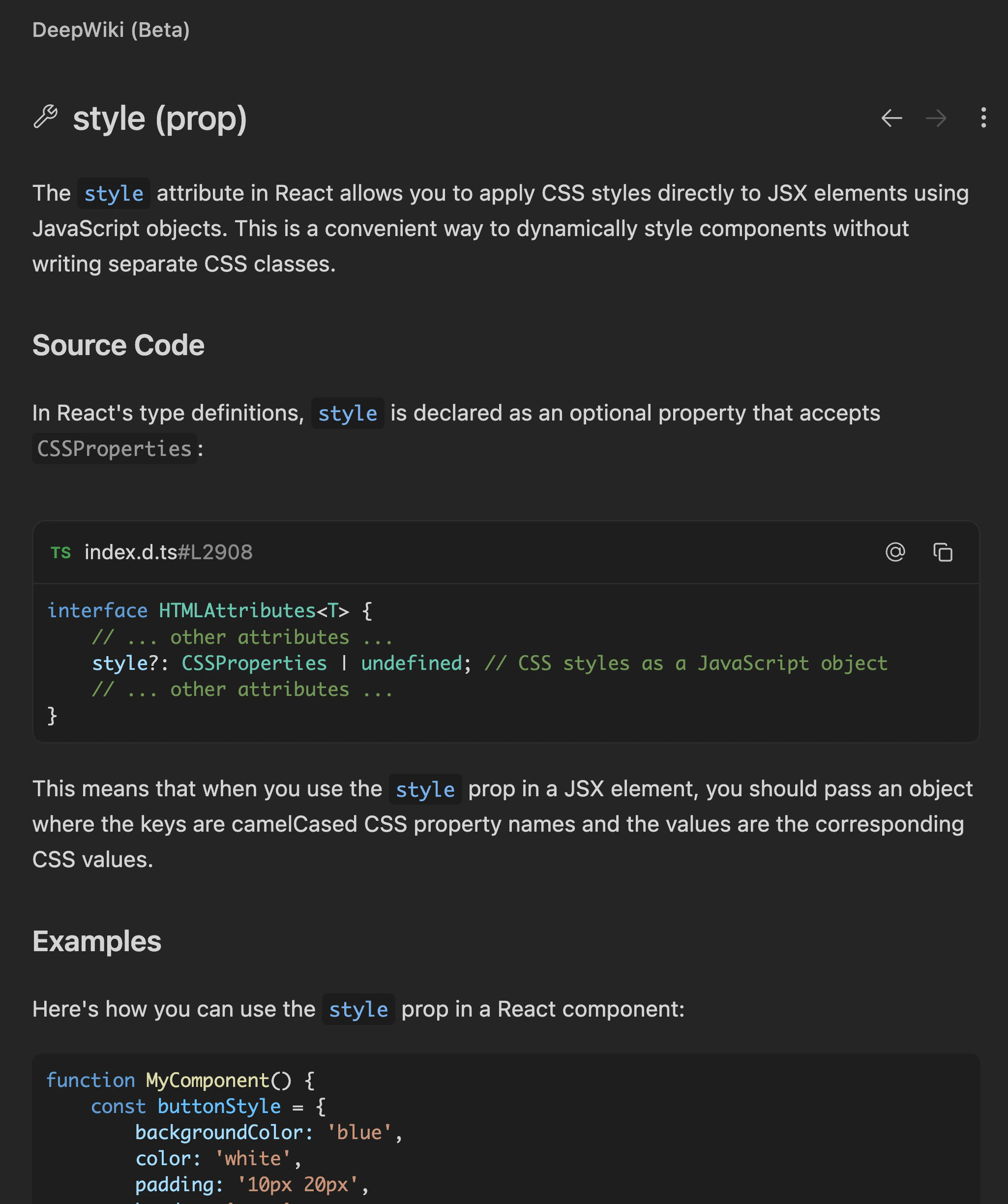
通过 DeepWiki 获取 AI 生成的代码符号解释。将鼠标悬停在函数、变量和类上,即可理解代码库中不熟悉的代码。
Cmd+Shift+点击 以打开该代码符号的详细解释。
不同于只显示基本类型信息的传统悬停卡片,DeepWiki 提供的悬停解释会在你阅读代码时说明函数、变量和类的作用。
你可以点击 DeepWiki 面板右上角的 ⋮ 按钮,然后选择 Add to Cascade,将 DeepWiki 解释作为 @-mention 发送到 Cascade。