Documentation IndexFetch the complete documentation index at: /llms.txtUse this file to discover all available pages before exploring further.
Fetch the complete documentation index at: /llms.txt
Use this file to discover all available pages before exploring further.
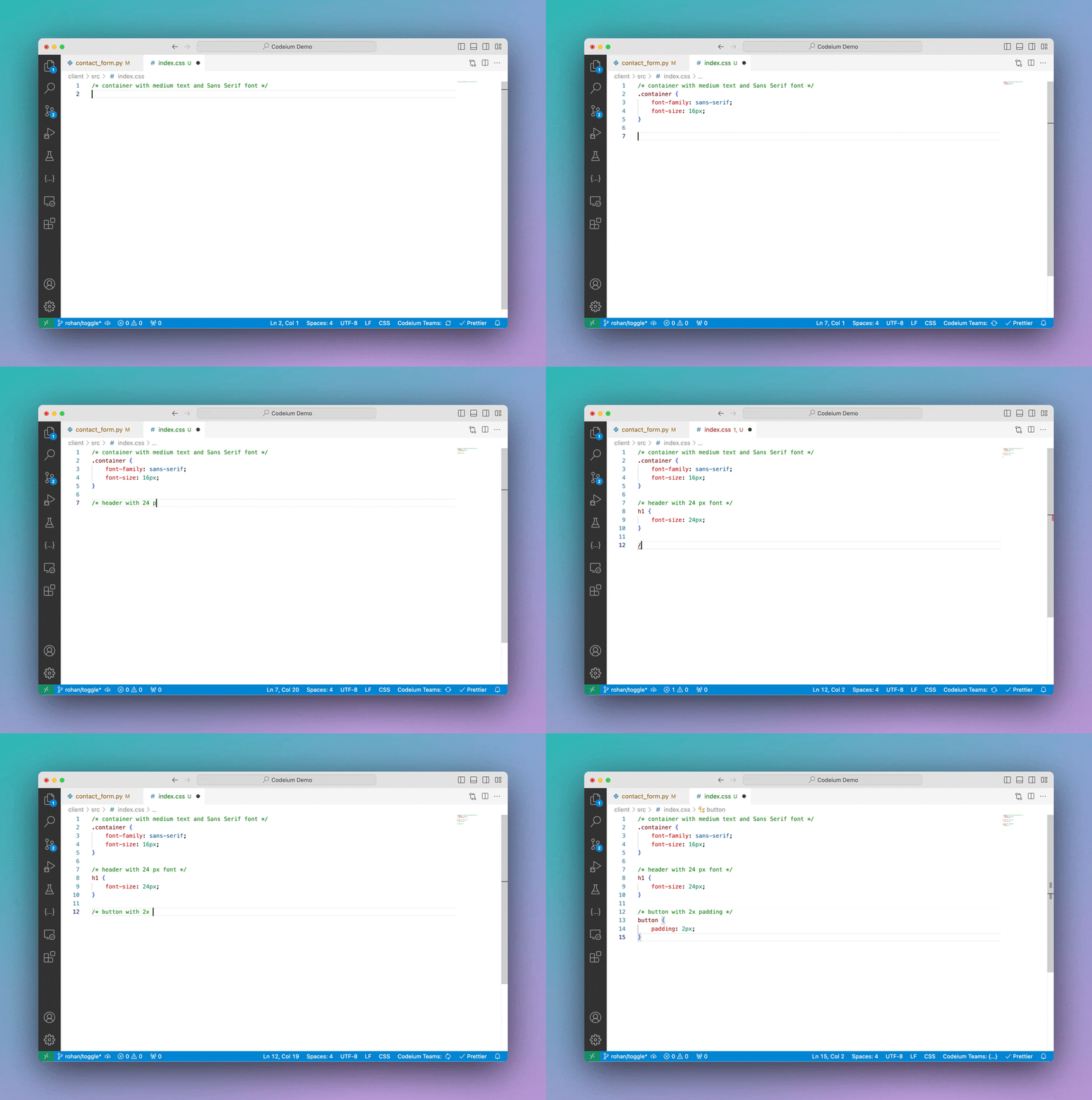
帮助你充分利用 Devin Desktop Autocomplete 的使用提示,包括内联注释、Fill In The Middle (FIM) 和 Snooze 功能。