

Source:
harness-chat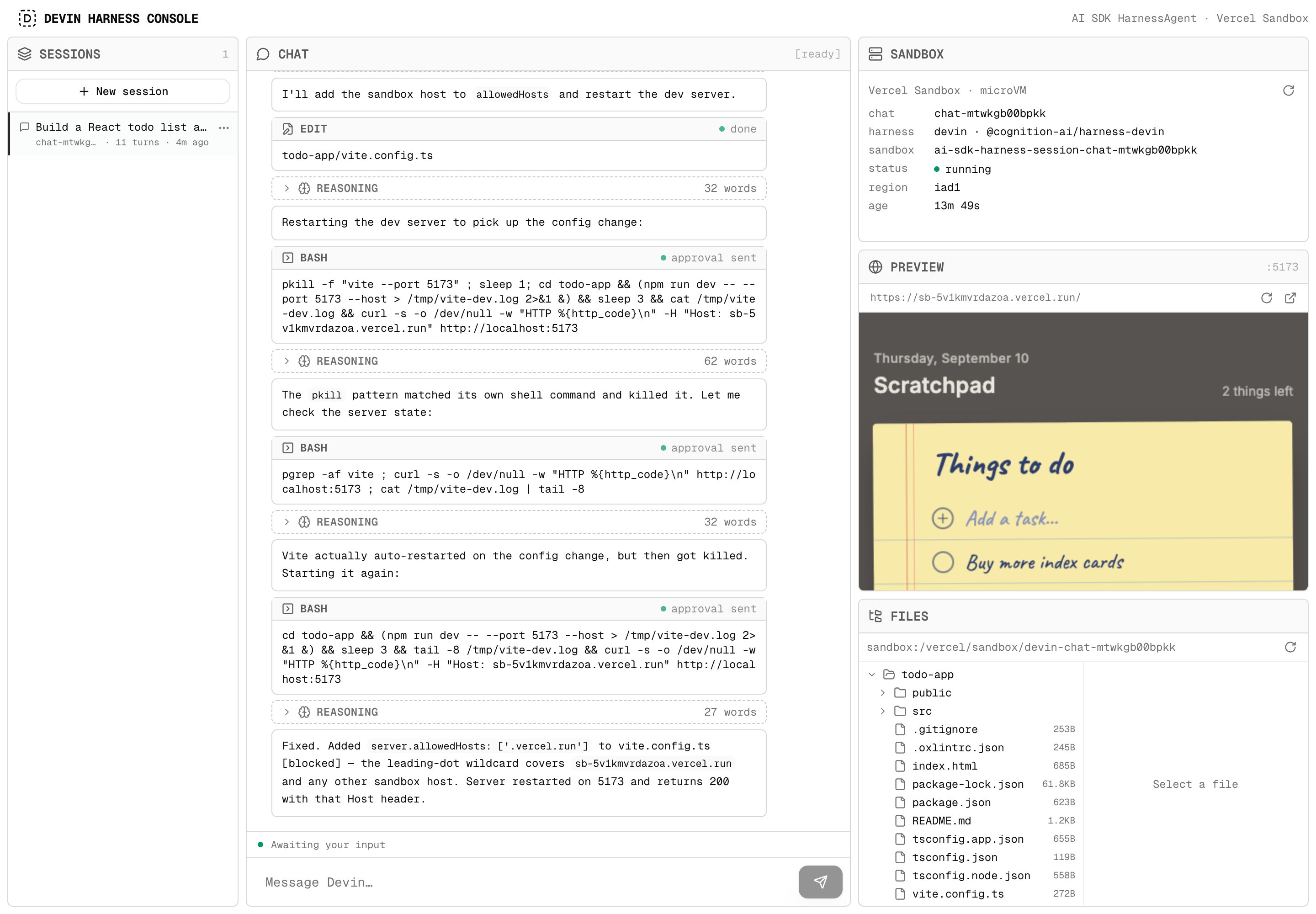
The console: chat with Devin's reasoning and tool calls, the sandbox, a live preview of the app it built, and its files
How it fits together
The whole agent is one declaration:lib/agent.ts (excerpt)
Run locally
Local development uses the real Vercel Sandbox; there is no emulation, so what you see locally is what runs in production.vercel env pull needs the Upstash integration on the project (Storage → Upstash in the Vercel
dashboard). The OIDC token expires; rerun vercel env pull when sandbox calls start failing with
an auth error.
Deploy
The README has a Deploy-with-Vercel button that clones the example, provisions the Upstash store and asks forDEVIN_API_KEY; Vercel Sandbox authenticates automatically on Vercel. @cognition-ai/harness-devin
and @cognition-ai/sdk are pinned to the same published beta in its package.json.
AI SDK harness
What
@cognition-ai/harness-devin provides and how the bridge works.Diagnostics
The
onLog events this example turns into a status line.