> ## Documentation Index
> Fetch the complete documentation index at: https://docs.devin.ai/llms.txt
> Use this file to discover all available pages before exploring further.
# 远程索引
> 供企业团队使用,可直接从 GitHub、GitLab 和 BitBucket 索引远程代码仓库,无需在本地存储代码。
此功能仅在 Enterprise 套餐的 Devin Desktop Plugins 中提供。
虽然本地索引已经很好用,但用户有时也希望为那些未存储在本地的代码库建立索引,供我们的模型用作上下文。
对于这种场景,使用 Teams 和 Enterprise 套餐的组织可以使用 Devin Desktop 的索引服务,统一导入所有相关代码仓库。随后,索引和嵌入会由 Devin Desktop 的服务器在隔离租户中完成;索引创建后,团队中的任何成员都可以查询。
## 添加代码仓库
在 [https://windsurf.com/indexing](https://windsurf.com/indexing) 页面,你可以添加需要建立索引的代码仓库。目前支持来自 GitHub、GitLab 和 BitBucket 的 Git 代码仓库。
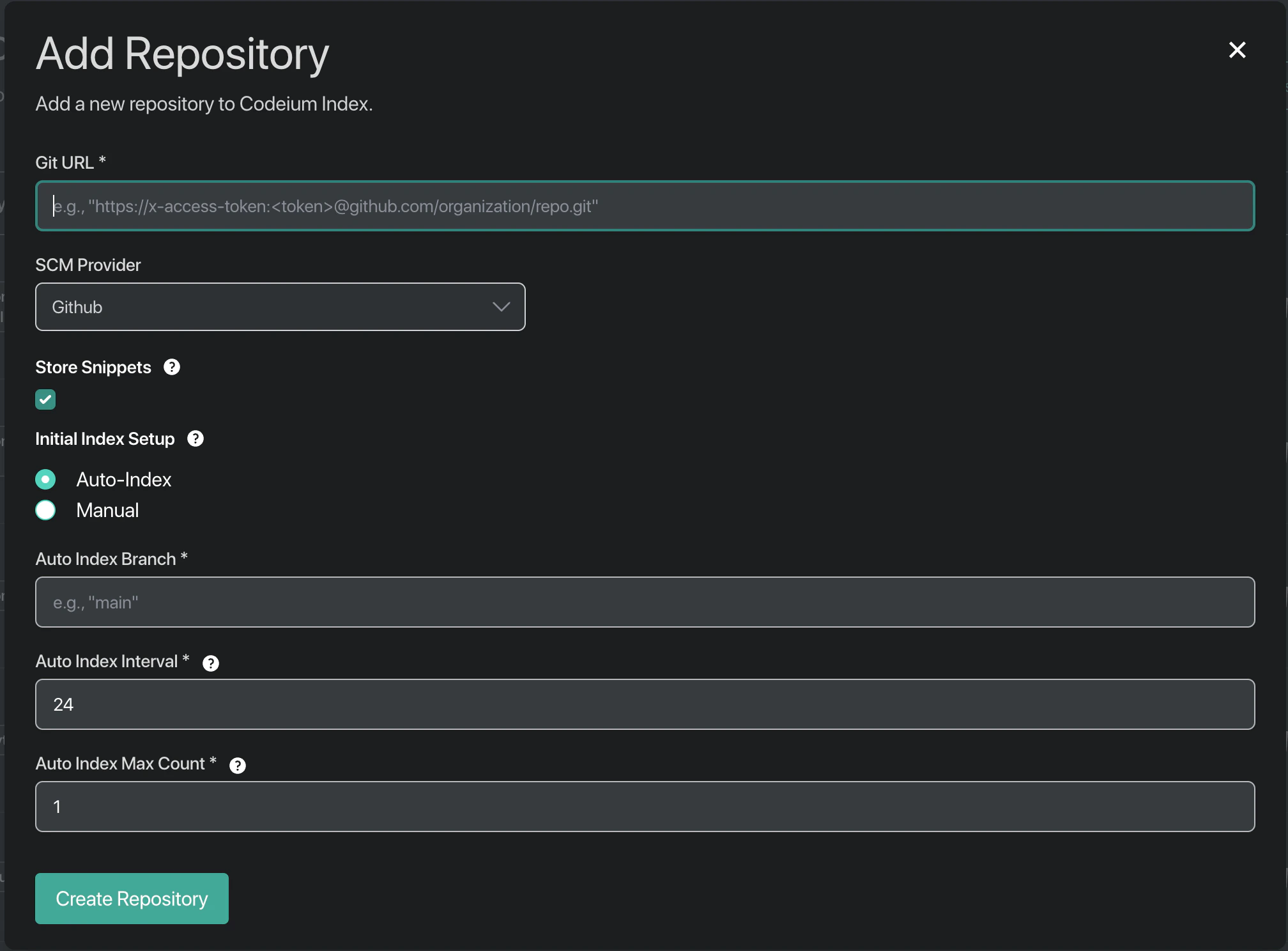 你可以选择为某个特定分支建立索引,并设置在若干天后自动重新为该代码仓库建立索引。
## 安全保障
我们会克隆代码仓库来创建索引,但在为代码库生成完嵌入后,就会删除所有代码和代码片段,**前提是未勾选 Store Snippets 设置。** 除嵌入本身外,我们不会保存任何内容,而且你无法通过这些嵌入还原原始代码。
此外,所有索引和嵌入处理都在单租户实例上进行——索引过程中的任何内容都不会在多个 Devin Desktop Teams 客户之间共享。