> ## Documentation Index
> Fetch the complete documentation index at: https://docs.devin.ai/llms.txt
> Use this file to discover all available pages before exploring further.
# DeepWiki
> DeepWiki を使うと、コードシンボルの AI による説明を取得できます。関数、変数、クラスにカーソルを合わせて、コードベース内の見慣れないコードを理解しましょう。
Devin Desktop Editor には、[Devin の DeepWiki 機能](/ja/work-with-devin/deepwiki) が組み込まれています。コードベース内の見慣れない部分をすばやく把握するのに利用できます。
DeepWiki のインターフェースは、Primary Side Bar / Activity Bar にあります。
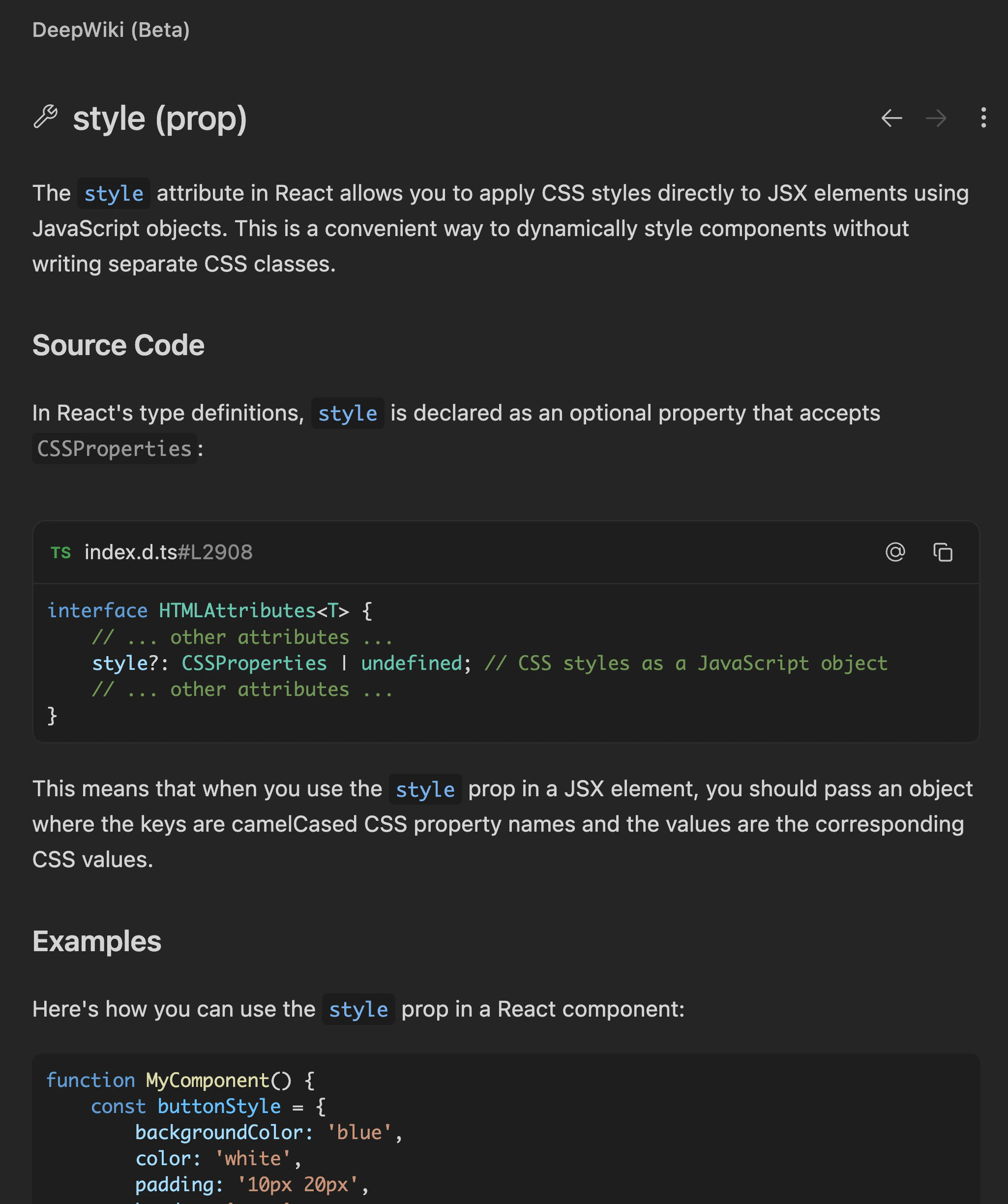
DeepWiki を利用するには、コードベース内のシンボルにカーソルを合わせて `Cmd+Shift+Click` を押します。すると、そのコードシンボルの詳細な説明が表示されます。
基本的な型情報だけを表示する従来のホバーカードとは異なり、DeepWiki のホバーでは、コードを読み進めながら関数、変数、クラスの説明を確認できます。
DeepWiki の説明は、DeepWiki パネル右上の `⋮` ボタンをクリックして `Add to Cascade` を選択すると、Cascade に `@-mention` として送信できます。