> ## Documentation Index
> Fetch the complete documentation index at: https://docs.devin.ai/llms.txt
> Use this file to discover all available pages before exploring further.
# DeepWiki
> Get AI-powered explanations of code symbols with DeepWiki. Hover over functions, variables, and classes to understand unfamiliar code in your codebase.
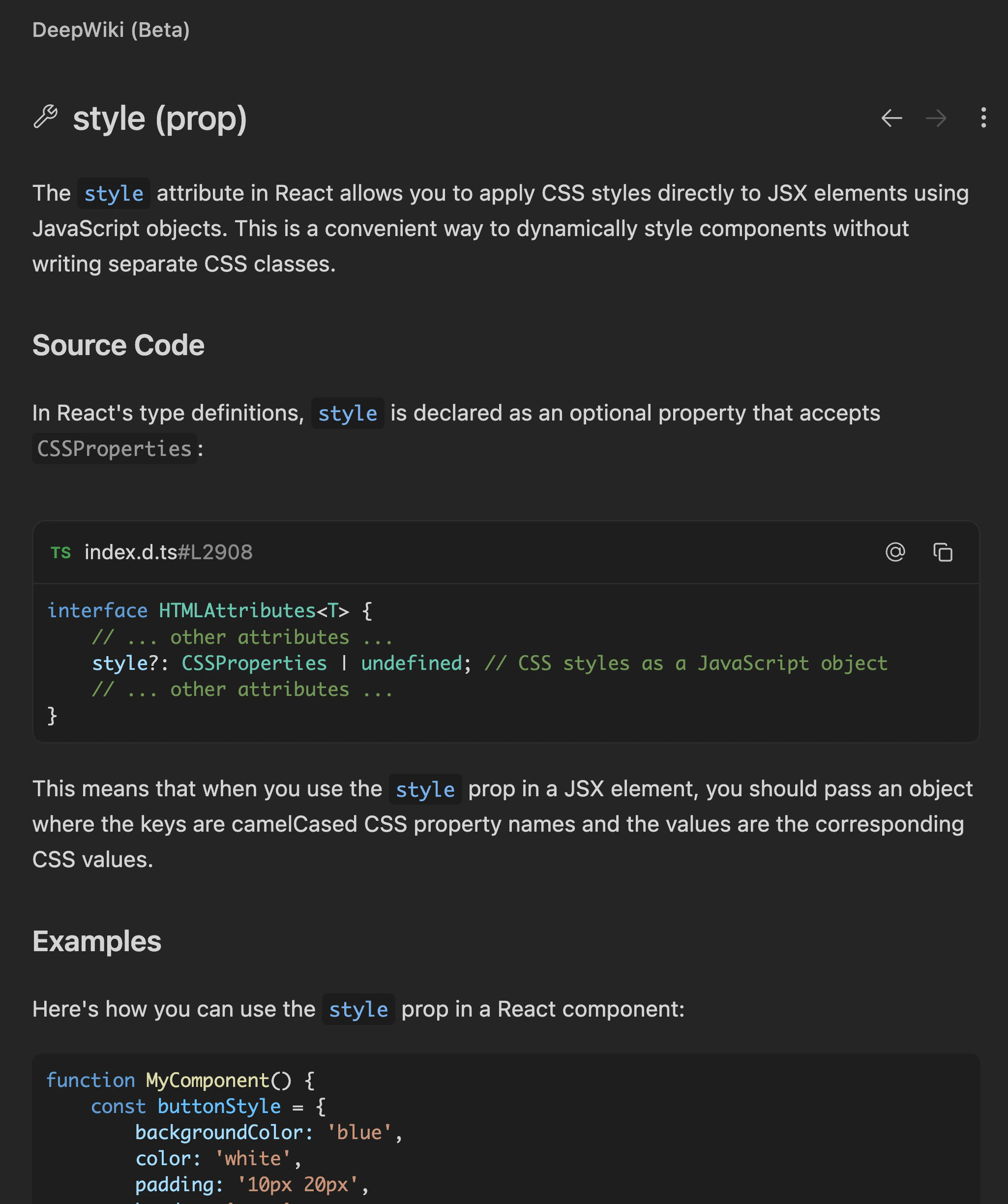
We've implemented [Devin's DeepWiki feature](/work-with-devin/deepwiki) inside of the Devin Desktop Editor. Use it to get up to speed on unfamiliar parts of your codebase.
You can find the DeepWiki interface in the Primary Side Bar / Activity Bar.
To use DeepWiki, hover over a symbol in your codebase and press `Cmd+Shift+Click` to open detailed explanations of code symbols.
Unlike classical hover cards that just show basic type information, DeepWiki-powered hover explains functions, variables, and classes as you read through code.
You can send the DeepWiki explanation to Cascade as an `@-mention` by clicking the `⋮` button in the top right of the DeepWiki panel and selecting `Add to Cascade`.